

Quote: Gain
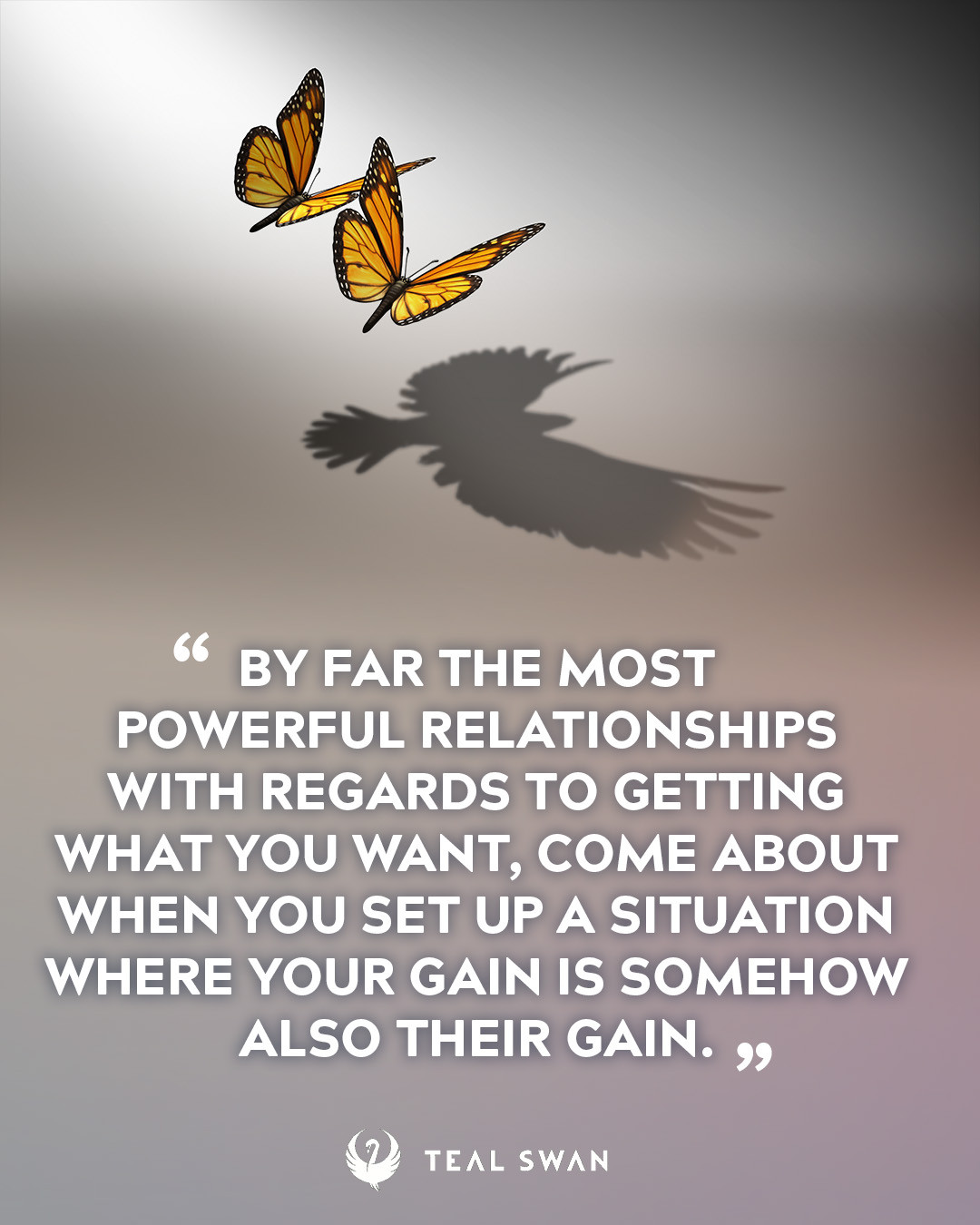
By far the most powerful relationships with regards to getting what you want, come about when you set up a situation where your gain is somehow also their gain.
" - Teal Swan

By far the most powerful relationships with regards to getting what you want, come about when you set up a situation where your gain is somehow also their gain.
" - Teal SwanWe have placed cookies on your device to help make this website better. You can adjust your cookie settings, otherwise we'll assume you're okay to continue.


Copyright © 2026 Teal Eye LLC Powered by Invision Community