

Quote: Awareness
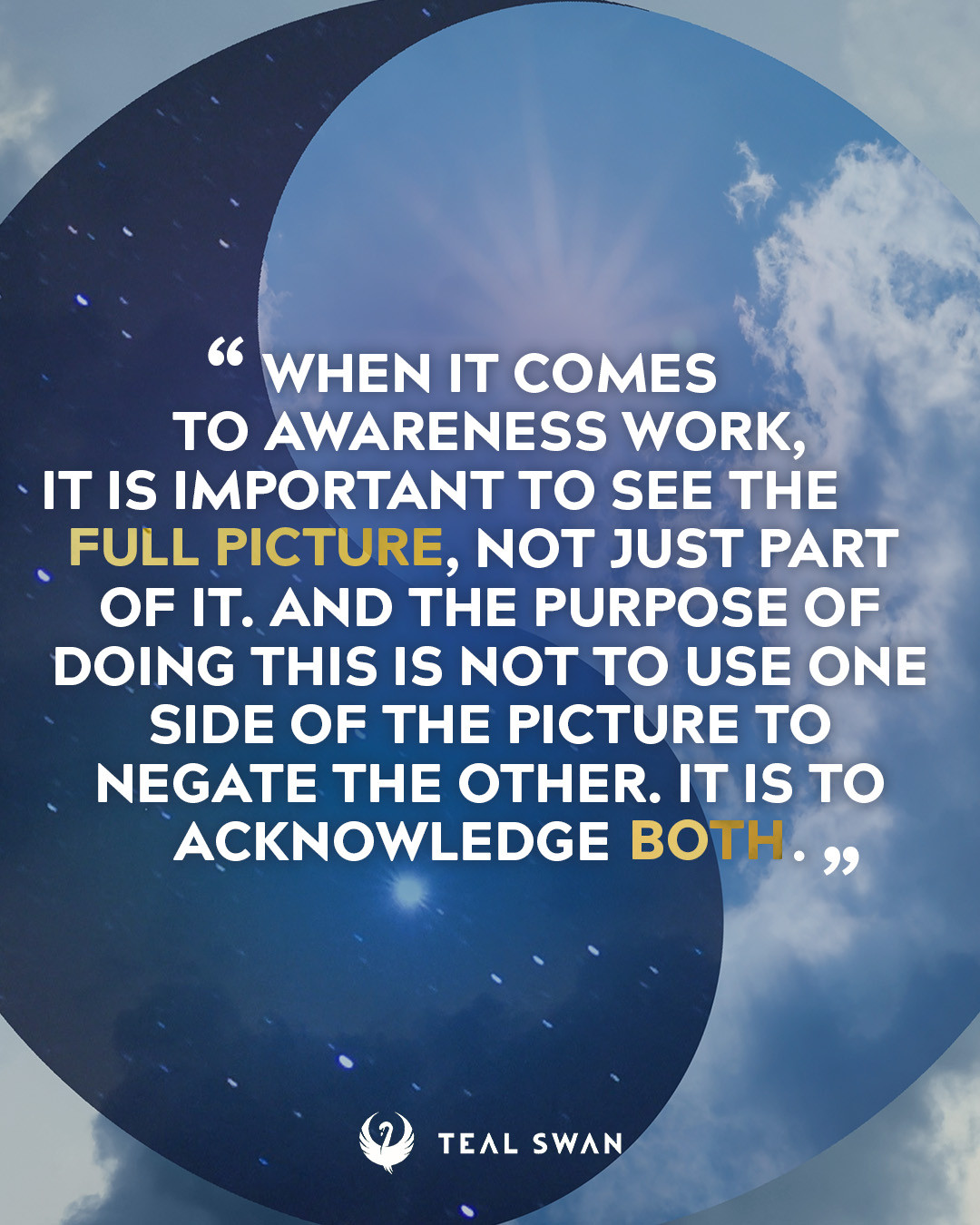
When it comes to awareness work, it is important to see the full picture, not just part of it. And the purpose of doing this is not to use one side of the picture to negate the other. It is to acknowledge both.
" - Teal Swan

When it comes to awareness work, it is important to see the full picture, not just part of it. And the purpose of doing this is not to use one side of the picture to negate the other. It is to acknowledge both.
" - Teal SwanWe have placed cookies on your device to help make this website better. You can adjust your cookie settings, otherwise we'll assume you're okay to continue.


Copyright © 2026 Teal Eye LLC Powered by Invision Community